During the use of power tools, many safety risks and efficiency issues are not caused by tool quality, but by common operational mistakes that are often overlooked.
This article outlines the 10 most common power tool mistakes and explains how to avoid them in real working scenarios.

Mistake 1: Using the Wrong Tool for the Job
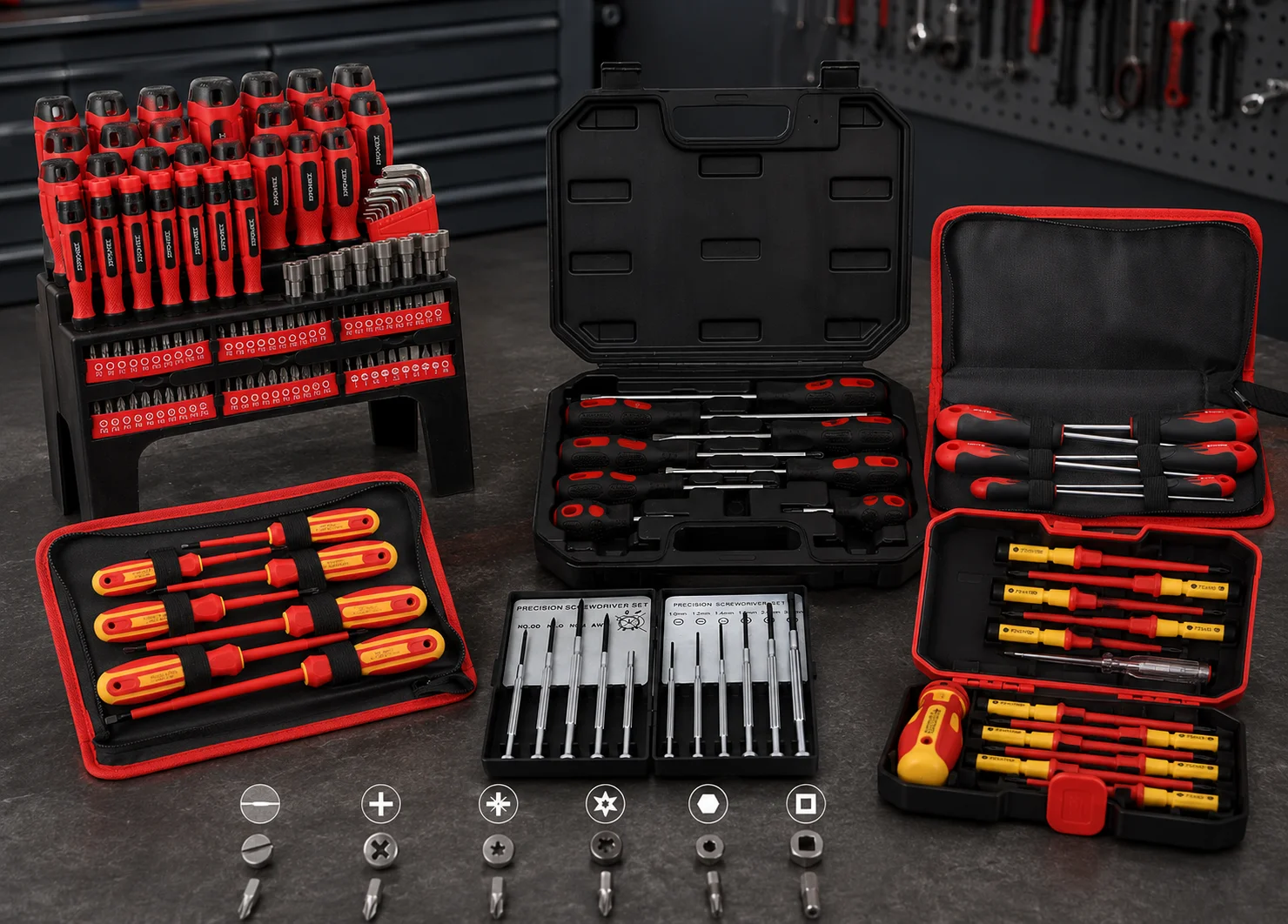
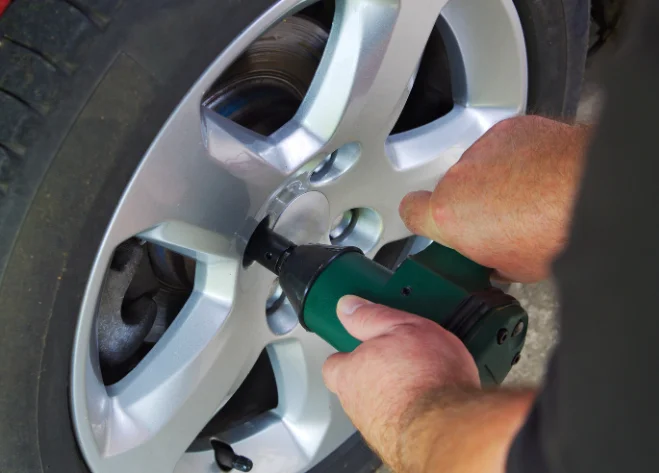
Using an impact driver to drill large holes in metal, or using an angle grinder when you really need a cut off saw, usually ends in poor results and higher risk.
What goes wrong
- More kickback, binding, and loss of control
- Slow progress and overheated motors
- Damaged fasteners, stripped screws, rough cuts
How to avoid it
- Ask one question first: am I drilling, fastening, cutting, grinding, sanding, or polishing
- If the task changes, switch tools instead of forcing one tool to do everything
- When in doubt, choose the tool designed for control, not brute power
Mistake 2: Skipping Basic Safety Gear
Eye protection is not optional. Many injuries happen from tiny chips and dust, not dramatic accidents.
What goes wrong
- Flying debris hits eyes or face
- Dust irritates lungs and reduces visibility
- Noise exposure adds up faster than most people expect
How to avoid it
- Wear safety glasses every time, even for “quick” cuts
- Use a dust mask or respirator when cutting, sanding, or grinding
- Use hearing protection for loud tools, especially in enclosed spaces
- Tie back hair, avoid loose sleeves, and remove dangling jewelry
Mistake 3: Using Dull or Incorrect Accessories
A sharp blade and correct bit reduce effort, heat, and mistakes. A dull accessory invites slipping and overheating.
Using accessories designed for the material you are working with helps maintain control and consistent results.
What goes wrong
- You push harder, control drops, heat rises
- Cuts wander, holes tear, edges burn
- The tool strains and the battery drains faster
How to avoid it
- Replace blades, discs, and bits when performance changes, not when they completely fail
- Match the accessory to the material (wood, metal, masonry, tile)
- Check the accessory’s rated speed and compatibility with your tool
- Keep spares on hand for common jobs so you are not tempted to “finish with a bad bit”
Mistake 4: Applying Too Much Force
Power tools work best with stable control and the right speed, not pressure.
What goes wrong
- Bits bind, blades pinch, grinders grab
- The tool kicks back or jerks off line
- Motors and batteries overheat
How to avoid it
- Use a firm grip, then feed slowly and consistently
- If progress stalls, stop and fix the cause (wrong accessory, wrong speed, dull edge, poor clamping)
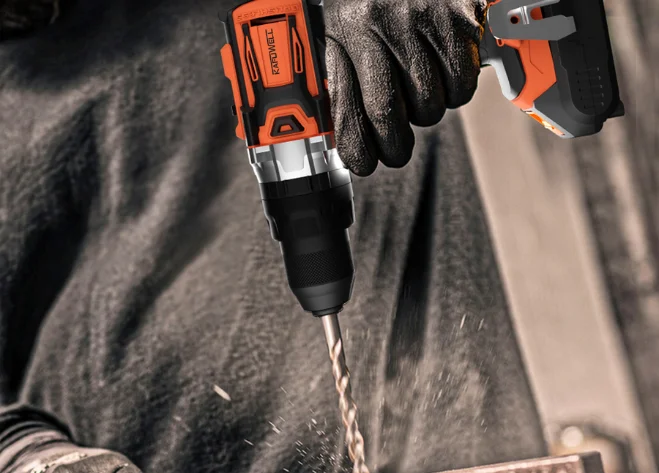
- For drilling, let the cutting edge bite, then keep a steady feed, do not lean your body weight into it
Mistake 5: Not Inspecting the Tool Before Use
A 30 second check prevents many failures and surprises.
What goes wrong
- Cracked housings, loose guards, or worn cords become hazards
- Loose chucks and collets cause wobble and thrown bits
- Damaged batteries can fail under load
How to avoid it
Before you start, check:
- Guard in place and moving properly
- Accessory installed correctly and tightened
- Switch and trigger working smoothly
- Cord (if corded) free of cuts and exposed wire
- Battery seated firmly and not swollen or damaged
Mistake 6: Misusing Batteries and Chargers
Cordless power tools are convenient, but batteries demand basic care.
What goes wrong
- Reduced run time and faster aging
- Overheating during heavy loads
- Inconsistent performance from mixed or incompatible packs
How to avoid it
- Use the correct charger for the battery system you are using
- Avoid storing batteries in extreme heat, like a hot vehicle or direct sun
- Let hot batteries cool before charging if they are warm after a demanding job
- Store packs in a dry place, and keep contacts clean
- If you manage a team, label batteries by set so crews do not mix systems
Mistake 7: Poor Workspace Setup
Many “tool mistakes” are actually workspace mistakes.
What goes wrong
- Workpieces shift mid cut
- You lose your line because lighting is weak
- Trips and tangles cause sudden slips
How to avoid it
- Clamp the workpiece, do not hold it by hand
- Clear the floor and route cords away from cutting paths
- Improve lighting so you can see the cut line and the tool’s reference points
- Choose a stable stance and keep both hands ready, especially for saws and grinders
Mistake 8: Ignoring Settings and Modes
Many tools include speed control, torque settings, or mode switches, and the wrong setting can ruin the job.
What goes wrong
- Stripped screws from too much torque
- Burned wood from too high speed or dull accessories
- Loss of control in delicate tasks
How to avoid it
- Start slower on unknown materials, then increase speed as needed
- Use clutch settings for driving screws, especially in soft wood
- Use the correct mode (drill vs hammer, impact vs drill) and switch back after the job so the next use is safe
learn more: Drill Torque vs Speed: How to Set Your Power Drill for the Right Job
Mistake 9: Neglecting Maintenance
Maintenance is not about perfection. It is about preventing failures.
What goes wrong
- Dust blocks vents and raises motor temperature
- Debris damages moving parts
- Rust forms in storage and chucks seize
How to avoid it
- After use, wipe the tool and clear vents and guards
- Check accessories, flanges, and tightening points
- Keep cutting and grinding tools clean so they run true
- For tools used daily, set a simple weekly check routine for key wear parts
Mistake 10: Storing Tools Improperly
Storage affects performance more than people expect.
What goes wrong
- Moisture causes corrosion
- Tools get knocked out of alignment
- Accessories warp or crack
How to avoid it
- Store tools dry, clean, and protected from impact
- Use cases, tool cabinets, or shelving so tools are not stacked loosely
- Keep blades and discs flat and separate
- Remove batteries for long storage and store packs in moderate temperatures

Conclusion
Most issues encountered when using power tools are not complicated. They usually come down to choosing the right tool, using the correct accessories, following proper operating practices, and handling inspection and storage after use.
Getting these fundamentals right helps reduce accidents and rework, while keeping tools in good condition over time and supporting more consistent, efficient work.
FAQs
What Is the Most Common Cause of Kickback with Power Tools?
Kickback most often happens when the accessory binds because the workpiece shifts, the tool is twisted off line, or the accessory is wrong or dull. A clamp and a straight feed path reduce the risk immediately.
How Do I Know if a Blade or Bit Is “too Dull” to Keep Using?
If you notice higher heat, burning marks, slower progress, more vibration, or you need noticeably more pressure, treat that as the replacement point. Waiting until it fails increases risk and usually worsens the finish.
Is It Better to Buy One High Power Tool or Several Task Specific Tools?
For safer and cleaner work, several task specific tools are usually better than one “do everything” tool, especially for cutting and grinding. The right tool reduces forcing, binding, and mistakes.
How Should a Team Manage Cordless Batteries to Reduce Downtime?
Standardize battery systems by crew or work zone, label packs, and keep a simple rotation so charged packs are always available. Also avoid charging hot packs immediately after heavy use, let them cool first.